Online Store
Launch your online pharmacy store in minutes.
Give customers a branded storefront to browse medicines, place orders for pickup or delivery, and track status in real time — all synced automatically with your inventory and sales.
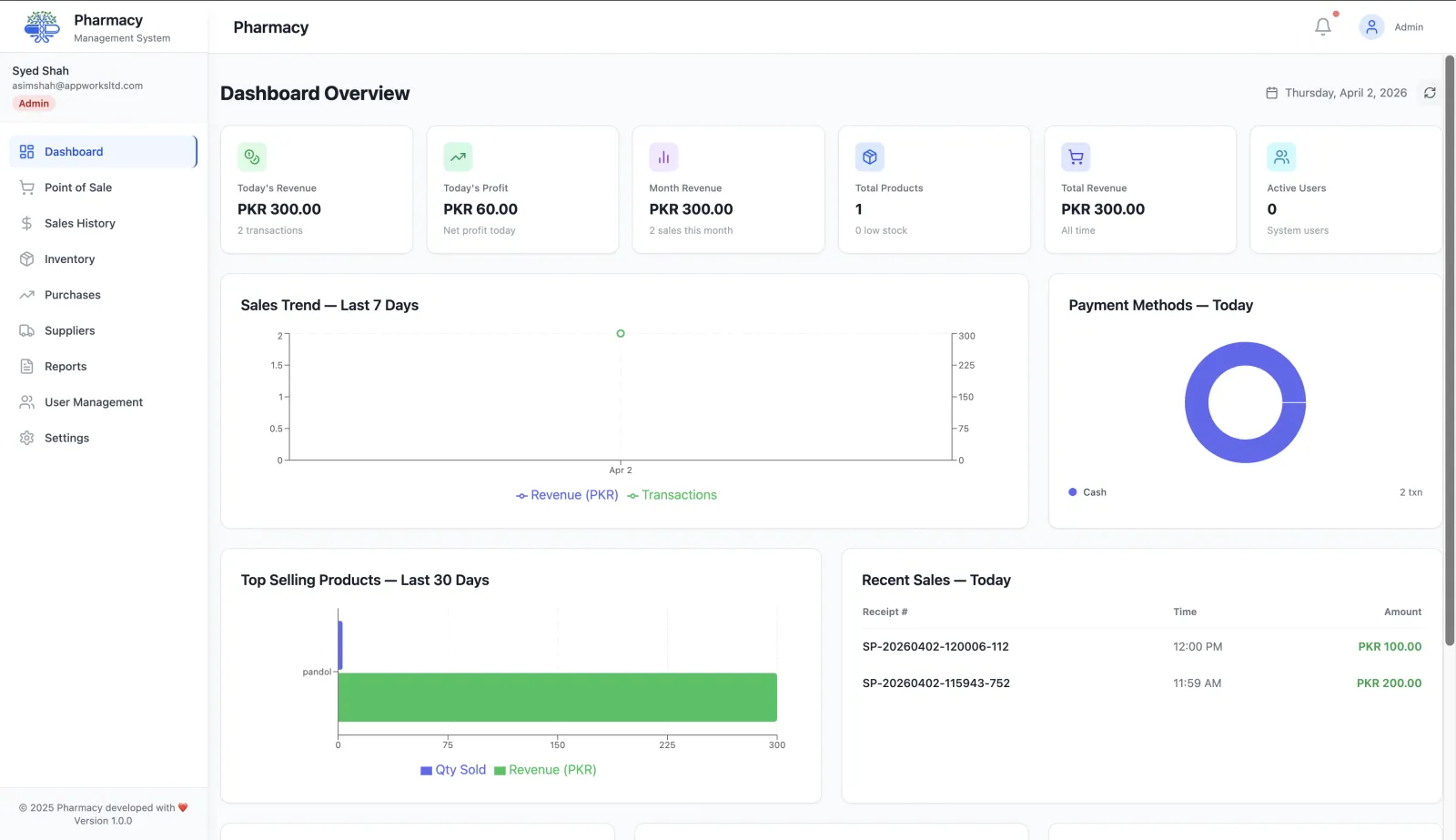
Everything your customers need to order online
Your online store is built into RunMyPharmacy — no third-party platform, no monthly subscription, no technical setup required.
Branded public storefront URL
Every pharmacy gets a unique URL your customers can bookmark — no extra setup, no coding required.
Delivery & pickup support
Enable delivery, pickup, or both. Set fees, minimum orders, estimated times, and service areas from one settings panel.
Real-time inventory sync
Online orders deduct from your pharmacy inventory the moment they are placed — no double entry, no overselling.
Cash & online payment
Accept cash on delivery or online payments. Set your own tax rate, service fees, and operating hours.
Order tracking for customers
Customers can track order status in real time from the same storefront URL — no app download needed.
Category & product browsing
Customers browse by product category, search by name, and view full product details before ordering.
Your store, your inventory, one system
Online orders flow directly into your pharmacy inventory and sales history — no manual reconciliation. Pair with reports & analytics to see online vs in-store revenue side by side.
Ready to take your pharmacy online?
Create your account and your online store is ready in minutes — no extra setup needed.
Get started freeHow your online pharmacy store works
Your online store is part of the same system as your counter. Customers order from your live catalogue, and you fulfil orders from the same inventory.
Set up your storefront
Your pharmacy gets its own public store link. Set operating hours, tax rate, service fee and a minimum order amount.
Choose pickup, delivery or both
Offer in-store pickup, home delivery or both, with your own delivery fee and estimated pickup and delivery times.
Customers place orders
Customers browse your products, add them to a cart and place a pickup or delivery order.
Fulfil and update status
Move each order through pending, confirmed, preparing, ready and completed (or cancelled), so customers always know where their order is.
Why run your online store inside your pharmacy system
No double data entry
Products, prices and stock come from your inventory. There is no second catalogue to keep in sync.
Orders that reach the counter
Online orders appear in the same portal your staff already use, so nothing gets lost in email or messaging apps.
Your rules, your fees
You control delivery fees, service fees, tax, minimum order amount and opening hours.
Included in your account
The online store is part of RunMyPharmacy, with no separate e-commerce subscription.
Frequently asked questions
Do I need a separate website for the online store?
No. Every pharmacy gets a public storefront link you can share with customers, on social media or on your existing website.
Can customers choose pickup or delivery?
Yes. You decide whether to offer pickup, delivery or both, and set the delivery fee and estimated times.
How do customers pay?
Customers can pay in cash on pickup or delivery.
Can I set a minimum order amount?
Yes. You can set a minimum order amount, along with your tax rate, service fee and operating hours.
More questions? Read the full FAQ or contact our team.
Keep reading
Inventory Management
Manage medicine stock, boxes, strips, batch expiry and low-stock levels with RunMyPharmacy. Pharmacy inventory software for medical stores in Pakistan.
Pharmacy POS
Pharmacy POS software for Pakistan: barcode billing, brand and salt search, box/strip sales and PKR payment records. Try RunMyPharmacy free during early access.
Sales Tracking
Every pharmacy sale logged and searchable: receipt lookup, refunds, date-range filters and CSV export for accounting and audits.
Pricing
RunMyPharmacy pricing: free during early access, then PKR 1,999/month with unlimited bills. Founding pharmacies keep PKR 999/month for life. No per-bill fees.
Try RunMyPharmacy free
Full access to every feature during early access. No credit card required.