Shelf Management
Keep pharmacy shelves organised, compliant, and accurate.
Assign shelf addresses, manage rotation tasks, surface expiry alerts, and audit your shelves — all from within the same system you use for inventory and sales.
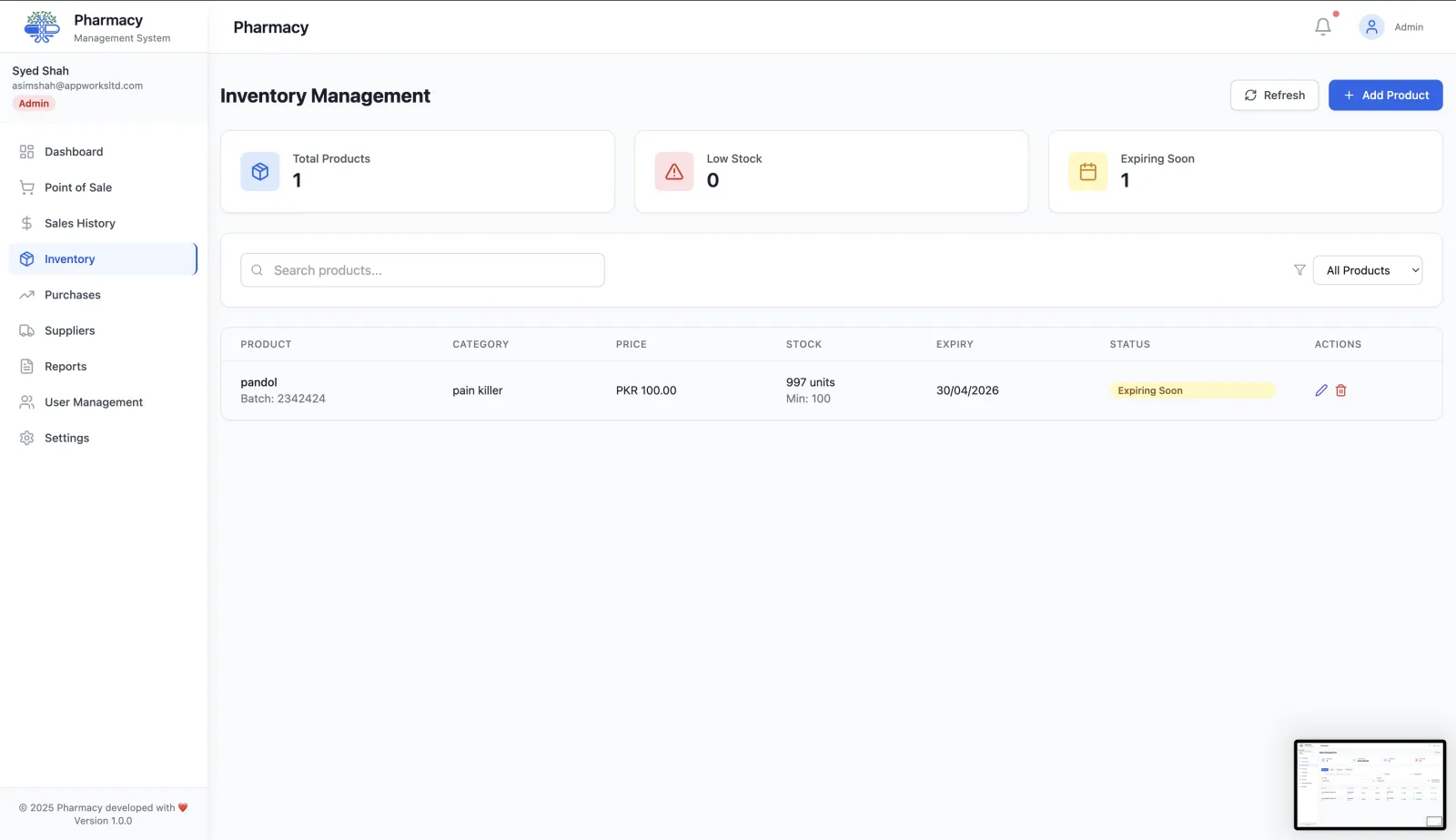
Smart shelf management built into your pharmacy system
Shelf address labelling
Assign every product a precise shelf address (aisle, bay, level) so staff can find and rotate stock without guessing.
Smart shelf alerts
Get alerted when products are near expiry, running low, or out of rotation sequence so shelves stay compliant.
Rotation task management
Schedule and assign shelf rotation tasks to staff, then track completion to ensure FEFO discipline is maintained.
Shelf setup wizard
Configure your shelf layout once and map every product to its physical location in the store.
Shelf audit reports
Generate shelf audit reports to identify gaps, expired stock, or misplaced products during inspections.
Integrated with inventory
Shelf data and inventory data are the same system — no synchronisation required, no duplicate records.
Shelves, inventory, and expiry — one system
Shelf management integrates directly with inventory management and expiry tracking. Use analytics to quantify write-offs and improve your rotation discipline over time.
How smart shelf management works
Shelf management links each batch to a physical place in your pharmacy, including the right temperature zone.
Map your shelves
Use the setup wizard to define shelf units by temperature zone (room temperature, refrigerated or frozen), with rows and positions.
Assign locations
Give products a shelf address so any staff member can find them quickly.
Work the alerts
Shelf alerts flag batches approaching expiry, already expired, out of stock or needing rotation, each with a priority from low to critical.
Complete rotation tasks
Rotation tasks prompt staff to move first-expiring stock to the front (FEFO). Actions are recorded in the shelf audit log.
Why shelf management matters in a pharmacy
Cold-chain awareness
Fridge and freezer stock is mapped to its own zone, so it is not confused with room-temperature items.
Faster picking
Shelf addresses cut the time spent looking for products, especially for new staff.
Less expired stock on display
Prioritised alerts and rotation tasks keep short-dated stock at the front and expired stock off the shelf.
Evidence for inspections
The shelf audit log records what was flagged and what was done about it.
Frequently asked questions
Does shelf management support refrigerated stock?
Yes. Shelf units belong to a temperature zone: room temperature (20–25°C), refrigerated (2–8°C) or frozen (–25 to –10°C).
What do shelf alerts cover?
Expiry watch, expiry warning, expiry critical, already expired, rotation needed and out of stock.
Who can manage shelves?
Admins and pharmacists can manage shelves. Cashiers can view shelf locations.
More questions? Read the full FAQ or contact our team.
Keep reading
Expiry & Batch Tracking
Track every medicine batch by expiry date, get alerts before stock is written off, and sell the earliest-expiring batch first.
Inventory Management
Manage medicine stock, boxes, strips, batch expiry and low-stock levels with RunMyPharmacy. Pharmacy inventory software for medical stores in Pakistan.
User Access Control
Role-based access for pharmacies: Admin, Manager, Pharmacist, Cashier and Doctor roles with enforced permissions that protect sensitive data.
Reducing Expired Stock
Why pharmacies lose money to expired stock and how to stop it: batch tracking, FEFO, tiered expiry alerts, smarter reordering and supplier returns.
Try RunMyPharmacy free
Full access to every feature during early access. No credit card required.