Supplier Management
Manage suppliers and purchase orders in one place.
From creating a purchase order to receiving stock and reconciling invoices — RunMyPharmacy gives you complete visibility over your pharmacy's supply chain.
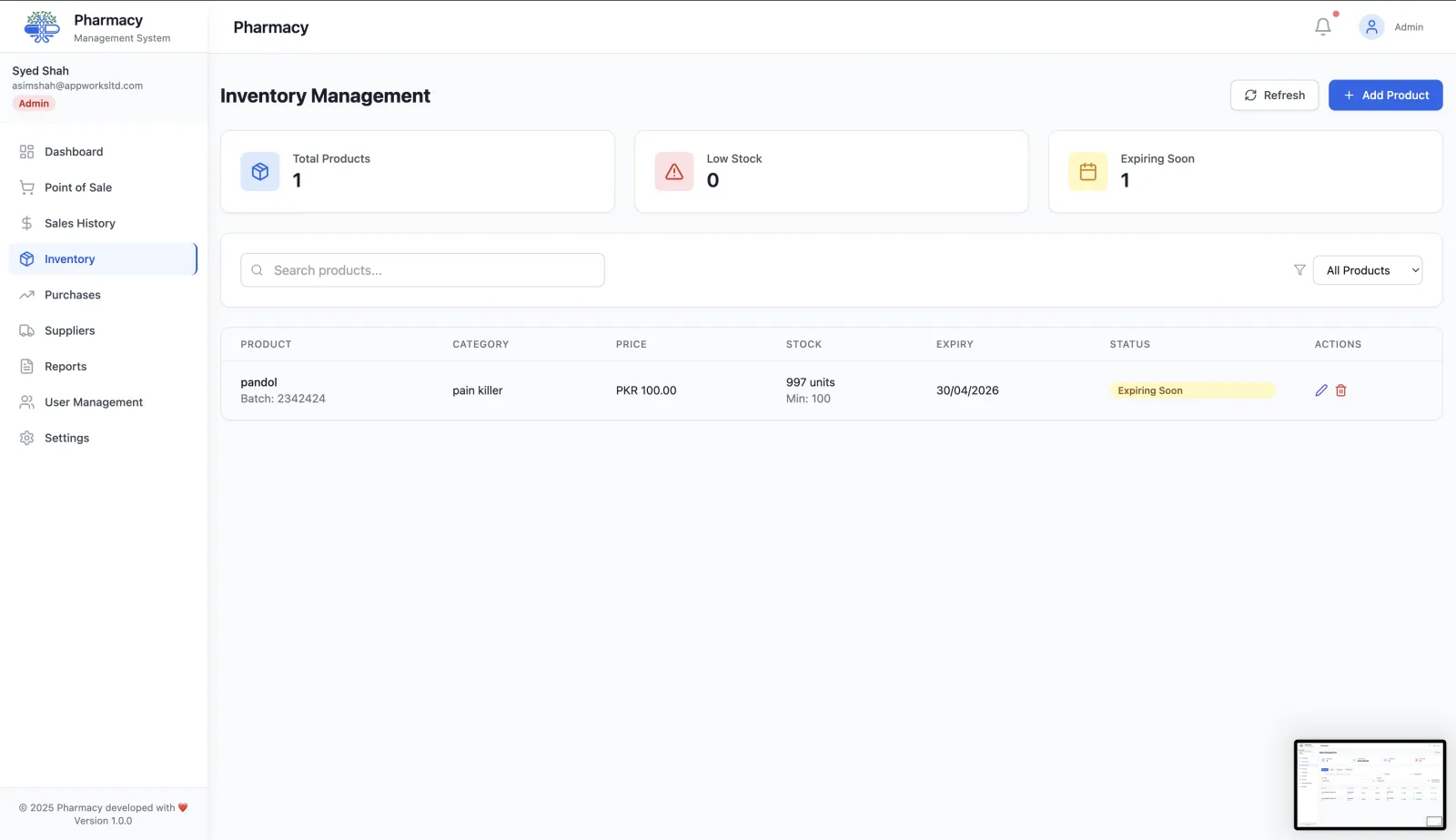
Full supply-chain visibility from draft to delivery
Supplier profiles
Store contact details, payment terms, lead times, and notes for every supplier in one place.
Purchase order creation
Draft purchase orders directly from low-stock alerts or manually — then send, confirm, and track each order to delivery.
Stock receiving workflow
When deliveries arrive, mark items as received and your inventory updates automatically. No manual counting entry.
Invoice reconciliation
Compare what you ordered to what arrived and flag discrepancies before they become accounting problems.
Purchase history
Review all past orders per supplier to negotiate better terms and identify unreliable vendors.
Low-stock triggered ordering
When a product drops below its threshold, you can create a purchase order in seconds from the alert itself.
Supplier management connects your whole operation
Supplier data feeds directly into inventory management and batch & expiry tracking. Use analytics to compare supplier performance and spot purchasing trends.
Managing pharmacy suppliers in RunMyPharmacy
Supplier records connect directly to your purchase orders and stock, so you can see who supplies what and what you have spent.
Add your suppliers
Keep each wholesaler’s contact details in one shared list your team can search.
Order from a supplier
Create a purchase order against a supplier with the products, quantities, costs and invoice number.
Receive the delivery
Mark the order as delivered and the stock is added to inventory automatically.
Review spend
The purchases summary in reports shows supplier spend for any date range.
Benefits of keeping suppliers in your pharmacy system
One place for supplier details
No more searching phones and notebooks for a rep’s number.
Purchases linked to stock
Deliveries update inventory, so what you paid for and what you hold always match.
Clear purchase history
Every order keeps its supplier, invoice number, status and items for later reference.
Better negotiations
Knowing your spend per supplier helps when you discuss prices and terms.
Frequently asked questions
Can I record supplier invoice numbers?
Yes. Each purchase order stores the supplier’s invoice number for reconciliation.
Does receiving a delivery update stock?
Yes. Marking a purchase order as delivered adds its items to inventory. Changing it back reverses that update.
Who can manage suppliers?
Supplier management is available to roles with purchasing permission, such as Admin and Manager.
More questions? Read the full FAQ or contact our team.
Keep reading
Purchase Orders
Create pharmacy purchase orders from low-stock alerts, track them to delivery, and receive stock with automatic inventory updates.
Inventory Management
Manage medicine stock, boxes, strips, batch expiry and low-stock levels with RunMyPharmacy. Pharmacy inventory software for medical stores in Pakistan.
Reports & Analytics
Track pharmacy revenue, payment methods, top-selling drugs, expiry losses and sales trends. Export CSV reports for data-driven decisions.
Expiry & Batch Tracking
Track every medicine batch by expiry date, get alerts before stock is written off, and sell the earliest-expiring batch first.
Try RunMyPharmacy free
Full access to every feature during early access. No credit card required.